


★★★★★ Excellent 4.8
Route 66: The Definitive Field manual - Digital Version
Route 66: The Definitive Field manual - Digital Version
📖 One manual. All of Route 66.
⭐ 4.8/5 — 7,000+ road trippers
🔒 14-day money-back guarantee
🤖 Free: Route 66 AI Field Operator
Couldn't load pickup availability
What is the "AI Field Operator"?
What is the "AI Field Operator"?
The AI Field Operator is a Route 66-specific assistant trained exclusively on field-verified data. It answers in seconds, 24 hours a day, 7 days a week.
Not a chatbot that searches the internet. Not a generic AI that guesses. A field operator that knows the route.
Access is included free for 12 months. No subscription. No automatic renewal. No charge at expiry.
What's included
What's included
Everything you need to drive Route 66 the right way, without guesswork.
🗺️ Complete 14-Day Route Breakdown
Carefully structured day-by-day itinerary from Chicago to Santa Monica.
📍 GPS Coordinates for Every Stop
All diners, motels, landmarks, and hidden spots — ready to use.
💰 Optimized Travel Planning
Distances, timing, and daily flow designed to avoid wasted miles.
📸 Iconic Stops & Hidden Gems
From classic Route 66 landmarks to lesser-known local spots.
📚 Route Context & Driving Insights
Understand the history, culture, and logic behind every stop.
♾️ Lifetime Access
Pay once, use forever. Updated over time.
How to use
How to use
Start your journey in minutes, no planning required.
📥 Download the Guide Instantly
🗺️ Open the Route & Follow the Plan
📍 Plug the GPS Coordinates
🚗 Follow the Optimized Daily Flow
🔁 Reuse It Anytime
Our help & support center
Our help & support center
We are dedicated to ensuring your satisfaction. Our team is always available to assist you with any questions or issues you may have. Our goal is to help you grow your business and achieve success.
Support Email:helena.europetrip@gmail.com
14-Day Refund Policy
14-Day Refund Policy
We offer a 14-day refund policy.
If you are not satisfied with your purchase, you may request a refund within 14 days of the purchase date. To be eligible, you must contact our support team within this period and provide your order details.
Support team email: helena.europetrip@gmail.com
Refunds will be processed to the original payment method within a few business days after approval.
If you have any questions, our support team is here to help.




Drive Route 66 the way it was meant to be driven.
2,400 miles. 8 states. 240+ GPS-verified stops, tested on-location in 2026, so you don't waste a day, a tank, or a single iconic stop.

I drove every mile of this in 2026.
Then I wrote it down.
Hi, I'm Marco. In 2026 I drove the original Route 66 from Chicago to Santa Monica — 14 days, 2,427 miles on the odometer, 47 detours, 39 diners, 11 motor courts. Every GPS coordinate in this manual was logged on my phone, on the road, in 2026.
This isn't scraped from blogs. It's not generated by an AI. It's what I'd hand to a close friend doing this trip for the first time, with everything I wish someone had handed to me.
Every coordinate, every diner hour, every state rule was confirmed on-location. If something changes after publication, you get the update free, forever.
Everything packed inside.
Nothing you'll have to Google again.
Six modules, one PDF. Built for the road, tested on the road — so you can stop planning and start driving.
14 days planned mile-by-mile
Know what to drive every morning — without opening Google Maps. Realistic daily mileage, not an optimistic atlas.
14 days · 240+ stopsBudget you can actually trust
Three tiers — $80, $200, $400 per day — covering fuel, food, stays, attractions. Updated for 2026, no fake minimums.
Tier 1 · Tier 2 · Tier 3Eat like a local in every state
Texas brisket, carne adovada, real Route 66 diners. Names, GPS, hours, reservation tips — every meal field-tested.
39 diners · 8 regionsKnow the rules before the border
Speed limits, vehicle requirements, desert protocols, fine ranges. State-by-state, so no ticket surprises.
8 states coveredEvery stop, one tap away
240+ GPS coordinates — diners, motels, ghost towns, photo points. Tap, open in Maps, drive. Works offline.
240+ coords verifiedShoot the shots you came for
Best light windows, iconic compositions, secret viewpoints — from Tulsa's neon to Santa Monica at sunset.
42 photo spotsBased on 7,453 verified buyers
said the GPS coordinates were accurate on first try
average planning time saved per trip
would recommend to a friend driving Route 66
★ Verified Buyers · Real Route 66 Drivers
7,453 drivers can't all be wrong.
Here's what they say.
Still have questions?
We've got answers.
7,453 buyers asked these before you. Here's everything you need to know.
Is this just another AI-generated travel guide?
No. Every mile of Route 66 in this manual was driven, every diner eaten in, every motel slept in, between March and April 2026. Founder Marco spent 14 days on the road covering 2,427 miles across 8 states, verifying 240+ GPS coordinates on location. The text was written from notebook entries, photos, and receipts — not scraped from blogs or generated from a prompt.
I don't drive. Will this work for me?
Honest answer: this manual is built around a self-driven road trip. If you're traveling by Greyhound or guided tour, you'll still find the city sections, the food picks, and the cultural notes valuable — but ~60% of the value (the daily mile plans, the alignment shortcuts, the offline GPS pins) is designed for someone behind the wheel.
Is the 2026 edition really updated? What changed from 2025?
Yes. The 2026 edition includes: updated motel pricing for inflation, three diner replacements (two closed in late 2025, one moved location), new construction reroutes in Oklahoma and Arizona, refreshed gas station availability in the New Mexico desert stretch, and revised border-crossing notes. You also get updates included for life — every future edition is sent to your email automatically.
How do the GPS coordinates work offline?
Each of the 240+ stops in the PDF has a tappable coordinate link. Tap it once with signal — it opens in Google Maps / Apple Maps — then download the offline map for that region (free, takes 30 seconds per region). After that, the entire route works without cell signal, which is essential for the New Mexico and Arizona desert sections where coverage disappears for 2–3 hours at a time.
Is 14 days enough? I only have 10.
The manual includes three pacing variants: the classic 14-day plan, a compressed 10-day version (skips two optional detours), and a relaxed 18-day version with extra rest days. Mile counts, fuel stops, and overnight cities are recalibrated for each pace — you don't have to figure out what to cut yourself.
What format is the manual? Can I print it?
It's a single PDF (about 180 pages, 14 MB). Optimized to read on phone, tablet, or laptop, and printable to standard letter / A4 if you want a paper copy in the glovebox. No app required, no account needed, no DRM. Once downloaded, it's yours forever.
What if I don't actually use it? Can I get a refund?
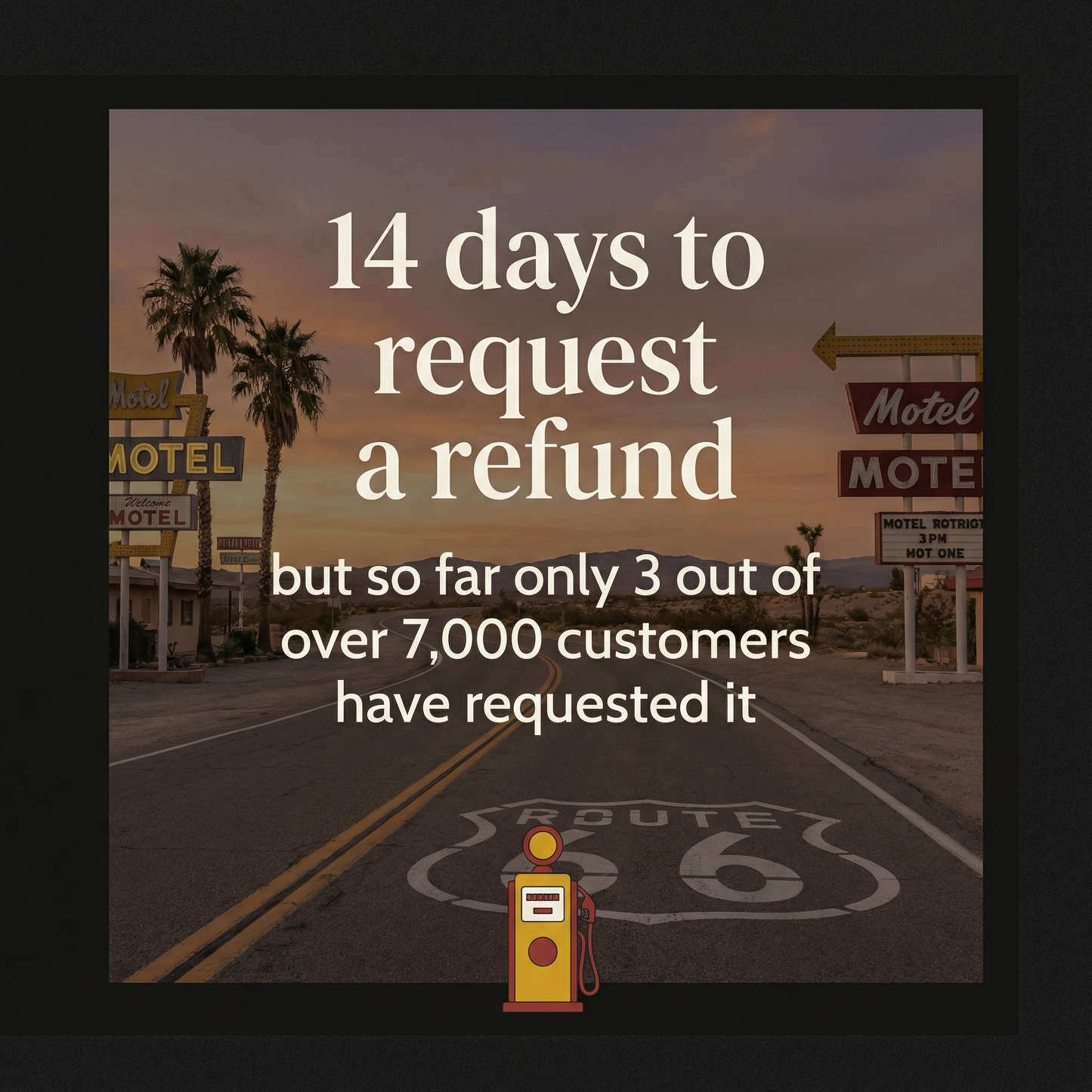
Yes. We offer a 14-day no-questions-asked refund. If the manual doesn't save you planning time, doesn't deliver the route quality we promise, or simply doesn't fit your trip — email us within 14 days of purchase and we'll refund you. You keep the PDF either way.
Two tools, one road.
The plan in your hand — the answers in your pocket.
A book is the perfect tool for planning. A 24-hour helper is the perfect tool for the moment things change — a closed gas station, a sold-out motel, a question at 11 p.m. For the Centennial year, every Field Manual includes both. One you read before you leave. One you talk to from the road.
A complete 14-day plan, printed and downloadable. The full route from Chicago to Santa Monica, with every motel, diner, and detour written down in advance.
- 847 GPS-mapped stops across all 8 states
- 85 motels verified by phone, April 2026
- 3 budget tiers — real names, real prices
- Works offline — instant PDF, on any device
A simple typing box you open on your phone, tablet, or computer. Ask anything in plain English. A written answer comes back in seconds, drawn from Marco's field research. Like having him on the phone — except he never sleeps.
- Available 24 hours a day, 7 days a week
- Same field-verified data as the Field Manual
- No app to install — works in any web browser
- If it doesn't know, it says so — no guessing
Don't worry about technology.
If you can send a text message or use email, you can use the Travel Helper. No app store. No password tricks. One link in an email, and a single box on the screen to type your question.
- Choosing a selection results in a full page refresh.
- Opens in a new window.